
The images, in the order you prefer.
Choose what to show first: the product on white background, a set photo, a front view or a detail. The AI scans the available images and sorts them according to your preferences.
The first image counts
Decide which type of photo opens the gallery and presents the product in your catalog.
Your priorities
A list of preferences guides the order, from the most important condition to the next.
The same pictures
Change the sequence of available images: photos and contents remain the starting ones.
Customization, in practice
Same product. Different priorities.
Choose a product and preference. Compare the original sequence with the custom one: the images remain the same, but the first photo and the order of the gallery follow your choice.
Choose the product
Preferences in priority order
- The product is shown on white background, outside a furnished environment.
- The product is shown in a furnished environment.
- The image is a technical design with product measurements.
Leroy Merlin
Under-sink cabinet and sink Giò olmo rousseau L 61 x H 61.5 x D 40 cm 1 basin 2 drawers
Original order
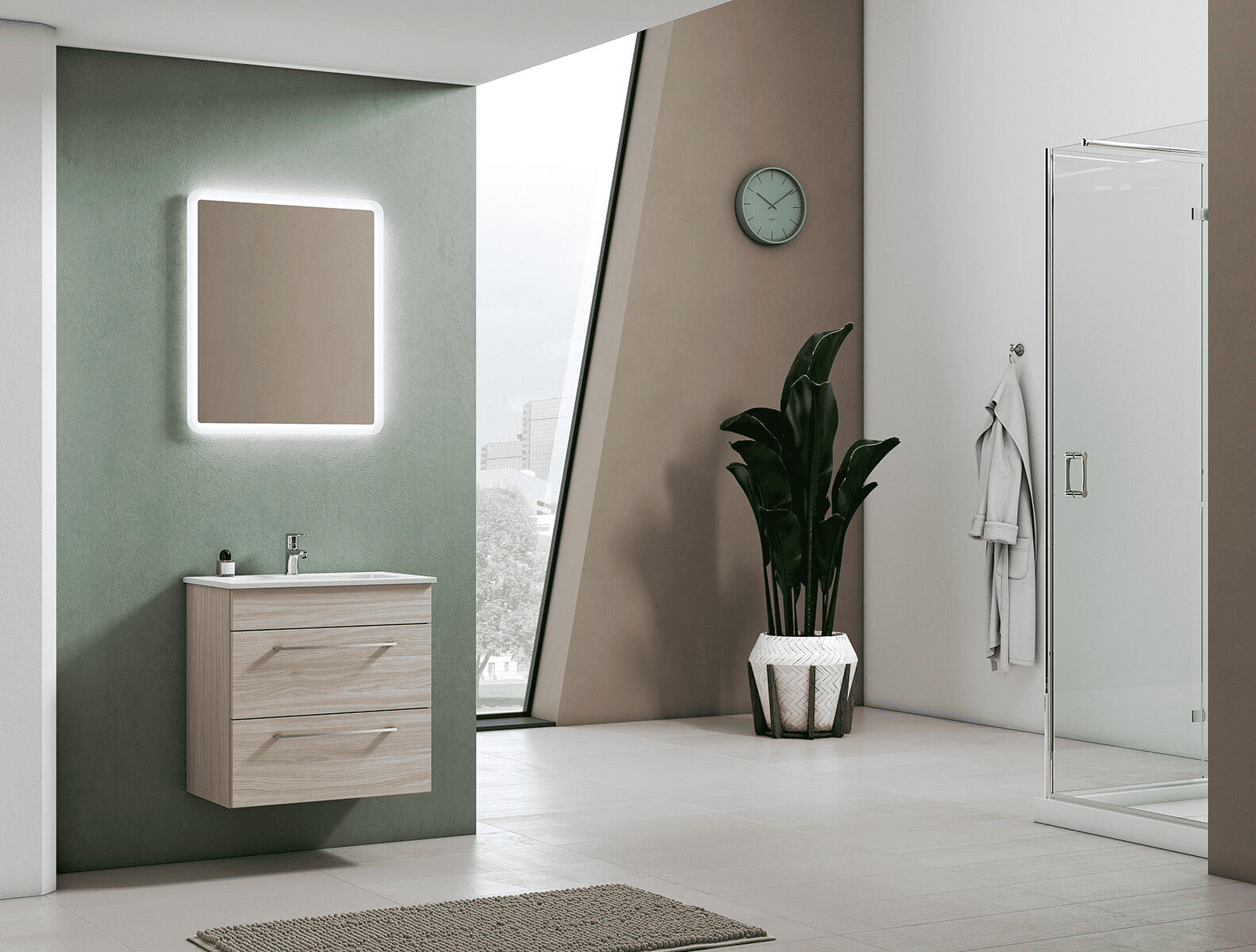
Photo set
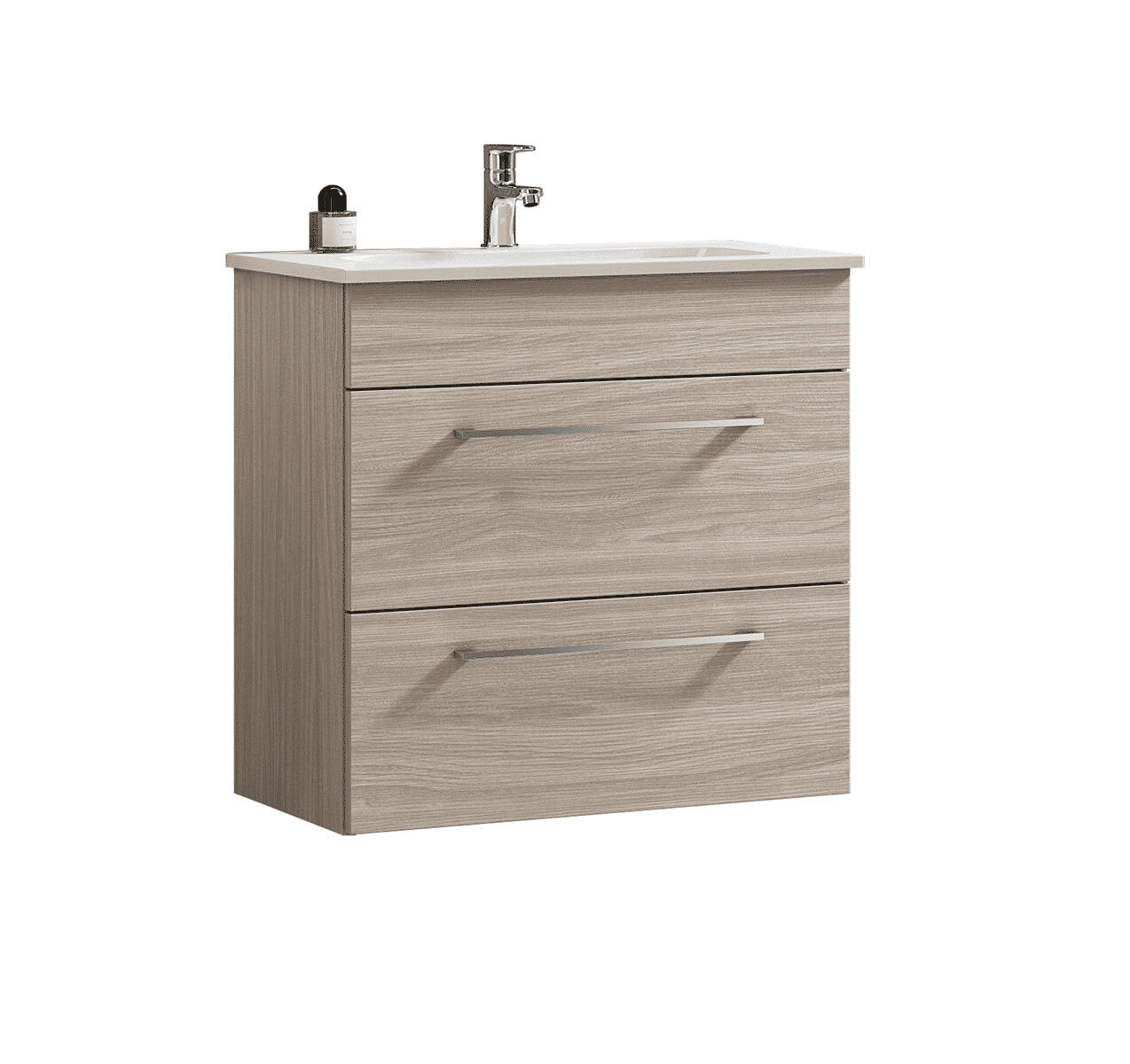
Manufactured on white background
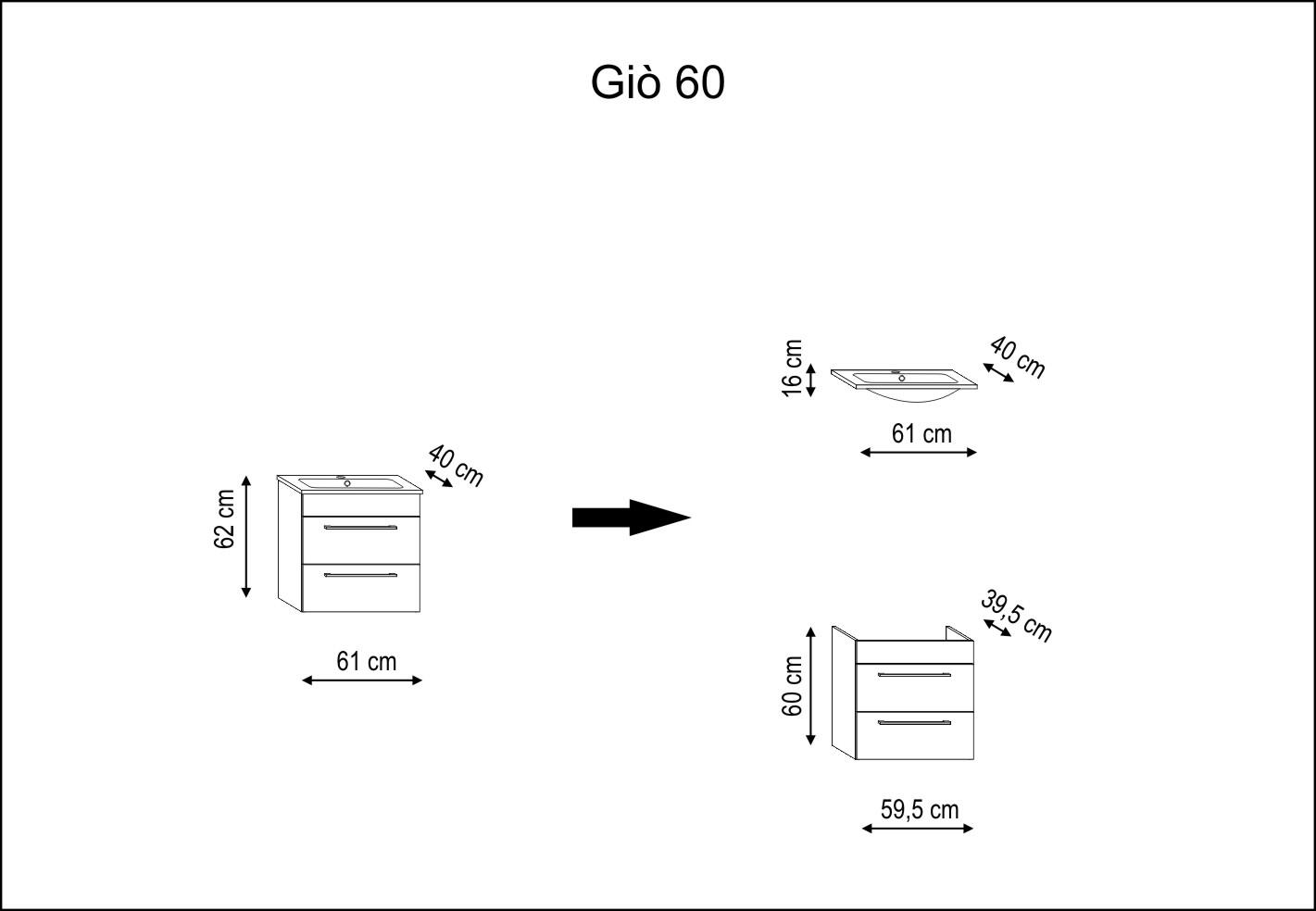
Drawing with measures
Order according to your preferences

Manufactured on white background
Main imagePhoto set
Drawing with measures
Examples illustrated with predefined sequences to show the effect of preferences. In the service, the AI evaluates how much each image corresponds to the configured rules: the result depends on the available images.
From preferences to the catalogue
Describe the ideal photo. Choose what matters most.
The rules describe what you want to see in the pictures and their order sets priorities. You can prefer unpacked views, product photos or images with technical details, according to the needs of your catalog.
Describe the images you prefer
Write visual conditions, for example “product on white background” or “front view without packaging”. Preferences apply to available product images.
Decide priorities
Put the most important preference first. If two images match it the same way, Sentric compares the next. At the same time as all preferences, it retains the original order.
Apply rules to cards
Check a sample and refine your preferences. With active customization, Sentric returns the ordered sequence along with product data.