
Your product cards.From your own only BARCODE, SKU or HANDLE.
From your list of codes to product cards, with validated data, texts and images. Ready to use or customize for your catalog.
1Your product list
 Database Sentric
2Get product cards
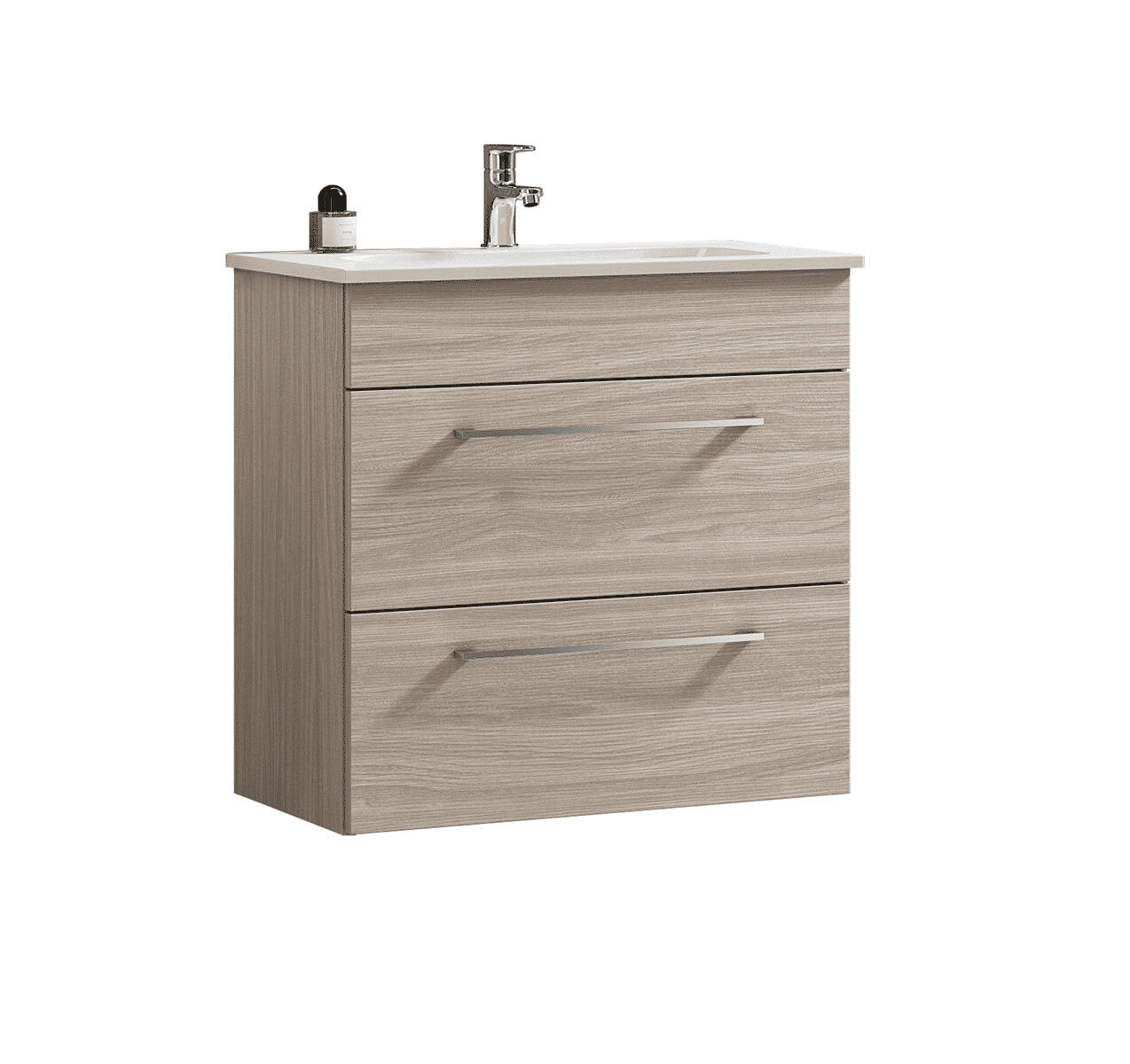
Under-sink cabinet olmo Rousseau 2 drawers with sink
- Width
- 61 cm
- Height
- 61.5 cm
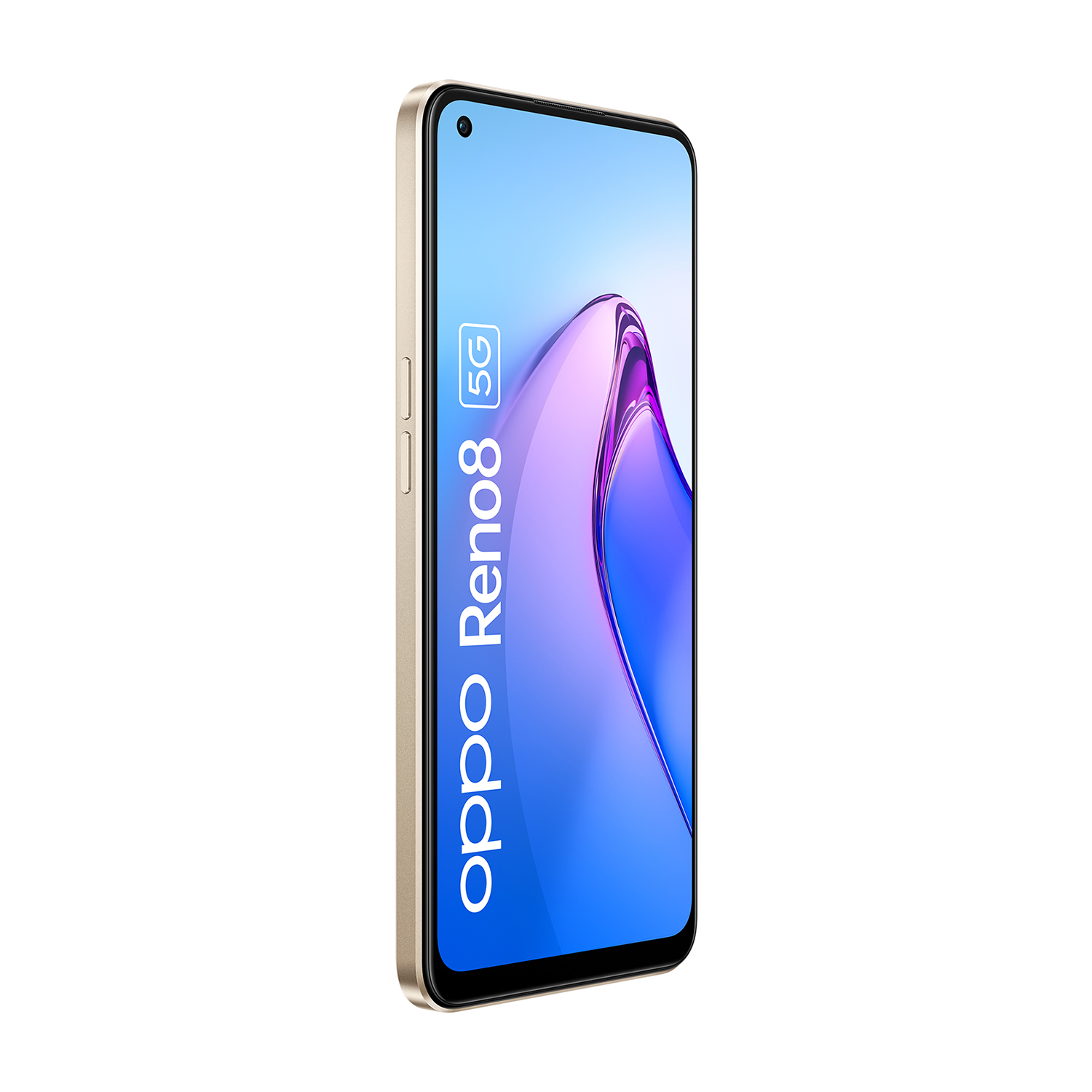
Reno 8 256GB gold 5G smartphone ultra-fast charging
- Internal storage
- 256 GB
- SUPERVOOC charging
- 80 W
Product sheet Sentric
Inside a product sheet Sentric.
The card is born from the database Sentric: the live and multisource validation brings together versions of the same product, even partial, and resolves conflicts. Explore data, images, and customizations, try versions in five languages and download the card in your platform format.
Original Images
The original images, as collected from the product sources.

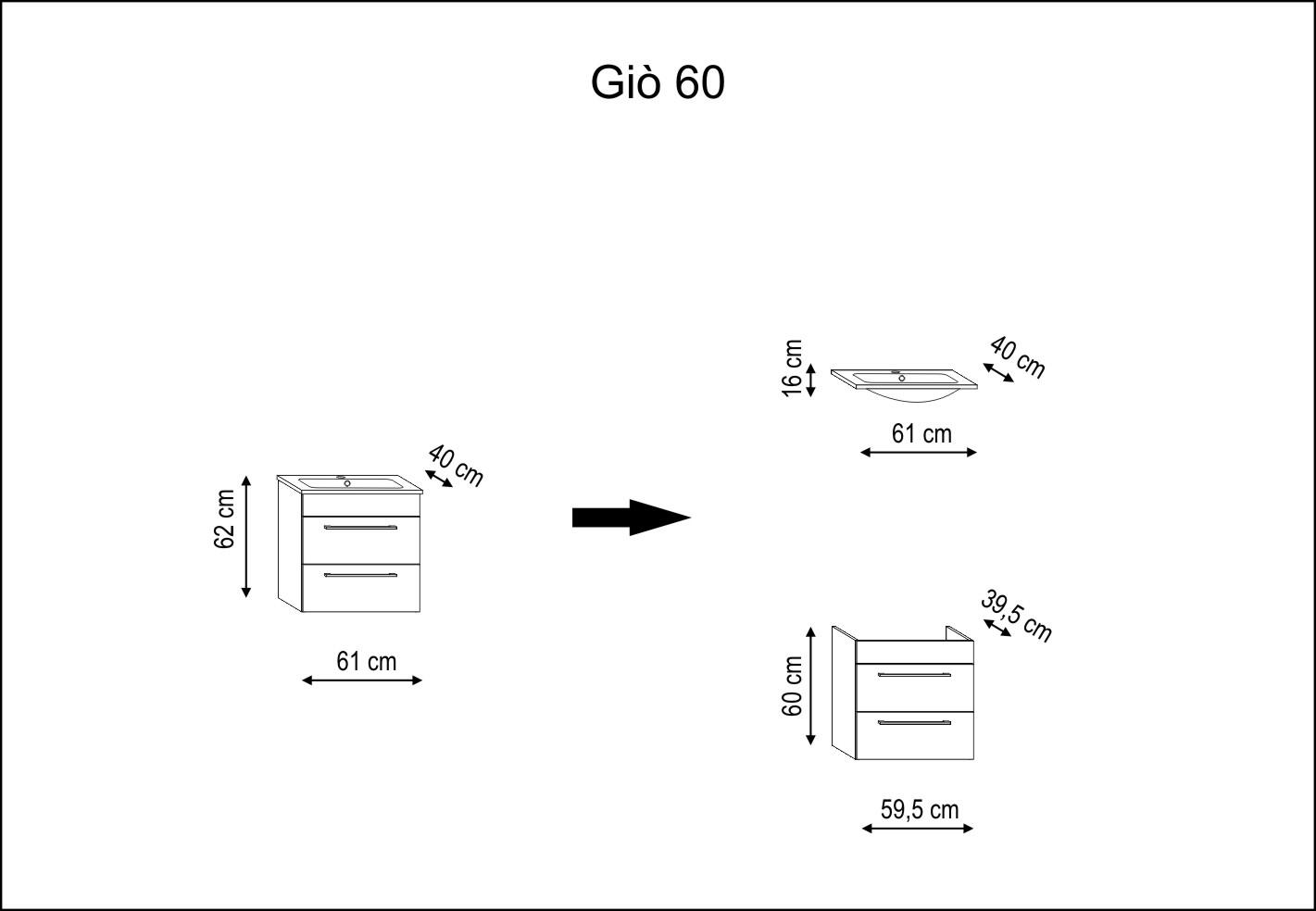
From database to validated card
All versions. A card ready.
At each request we validate the data available in the Sentric database before applying your customizations.
Multifoil
The data is completed. The conflicts are resolved.
We combine information from different sources, we complete partial data and solve inconsistencies.
- Power
- 2.000 W
- Technology
- Ionian
- Weight
- 650 g
Live
validated when you request it.
Validation uses the latest versions in the database at the time of request.
The starting point
From a list of BARCODE, SKU or HANDLE to your product cards ready.
With BARCODE the code is enough. For SKU or HANDLE it also indicates the brand.
First check what is there.
Try with a sample and check the available data for your products.
| BARCODE |
|---|
| 8023284061040 |
| 8059572562401 |
| 4030363003840 |
Examples of incoming lists. For SKU and HANDLE it always indicates the brand.
You can paste the BARCODE or import an Excel file, CSV, TSV or TXT.
The rules of your catalogue
The starting card. The result you need.
Apply your rules to texts, data and images. Here are three examples.
Texts in your style
Titles and descriptions follow your instructions, brand tone and the examples you share.
Customization of descriptions- Departure title
- Under-sink cabinet and sink Giò olmo rousseau L 61 x H 61.5 x D 40 cm 1 basin 2 drawers
- Custom Title
- Under-sink cabinet olmo Rousseau 2 drawers with sink

Your structure, your fields
Organize categories, variants and attributes according to the structure of your catalog.
Customized fields and attributesBathroom furniture / Furniture with sink
Ready images for your channel
Order images, remove background or create AI settings.
Customization of images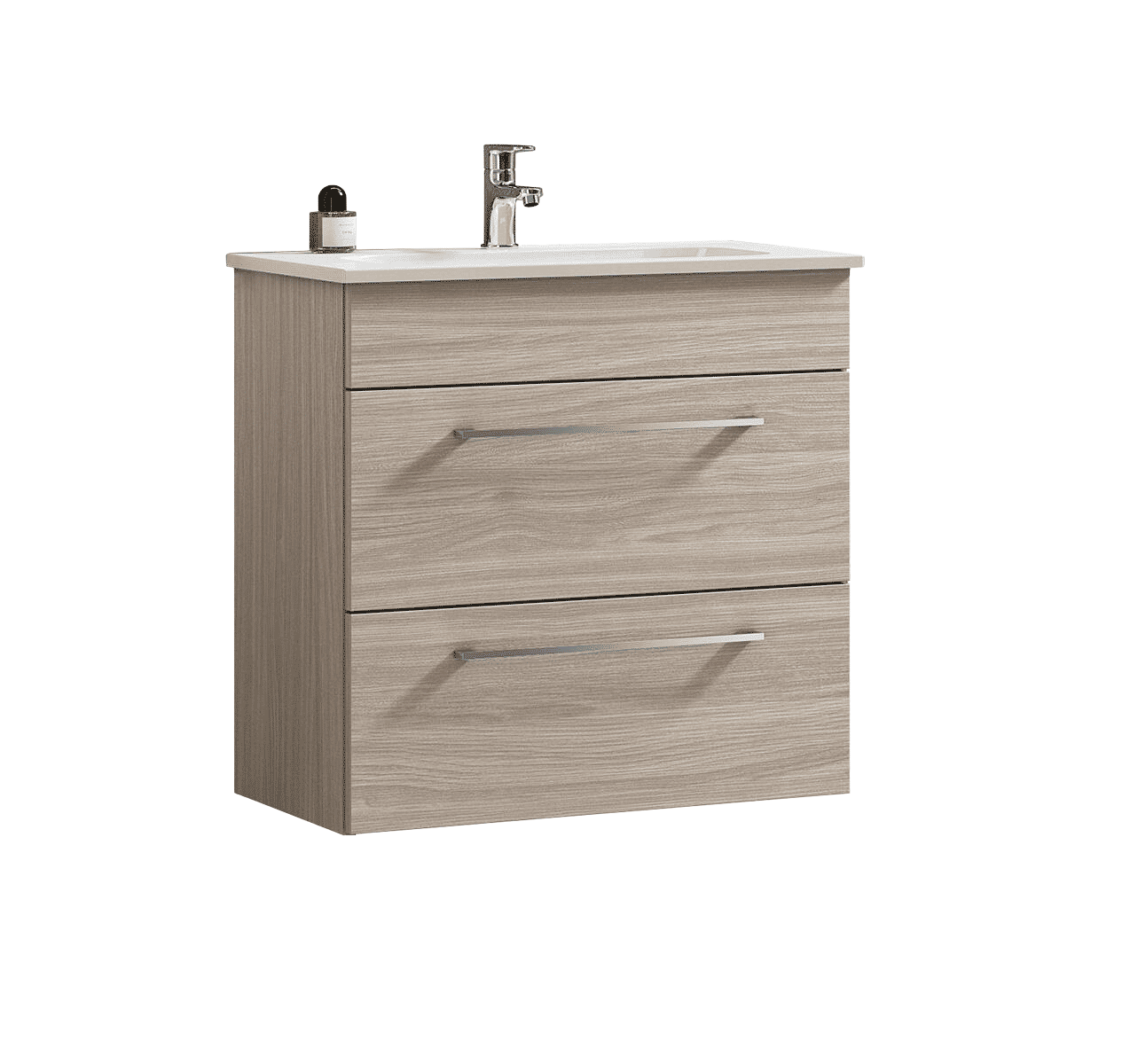
Category and field are examples of configuration. The result depends on the options chosen and the available data.
The delivery
From the sample to your catalog.
Choose language and format, check the tabs and portals in the systems you use every day.
Check a sample
Check texts, images and data on your products before extending the supply.
Choose export
Get the cards in the format suitable for your e-commerce or your PIM.
Connect your systems
Use API to integrate the data produced in your workflow.
You have the codes. Start from a tab.
Create your account, upload codes and choose customizations.
Register and start