
Your product, without distraction
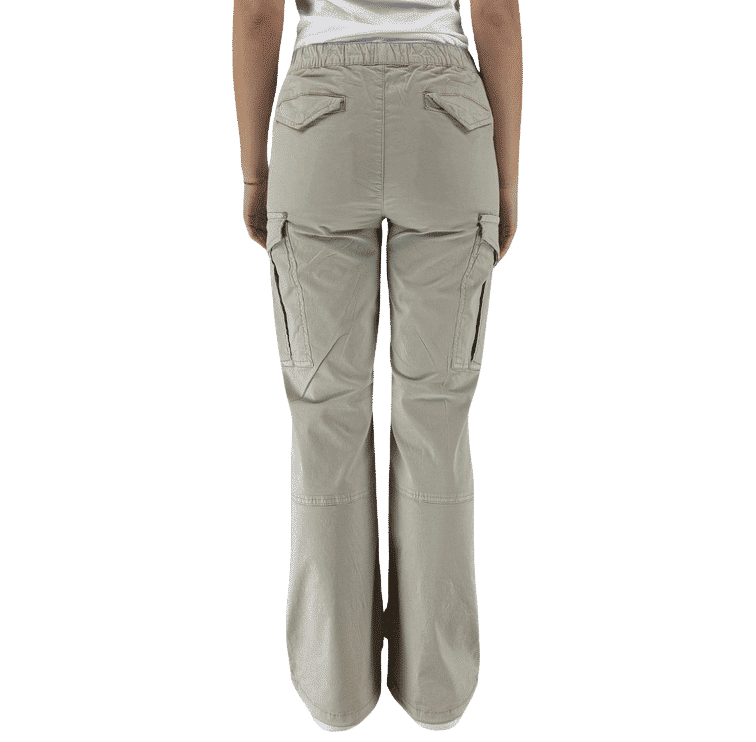
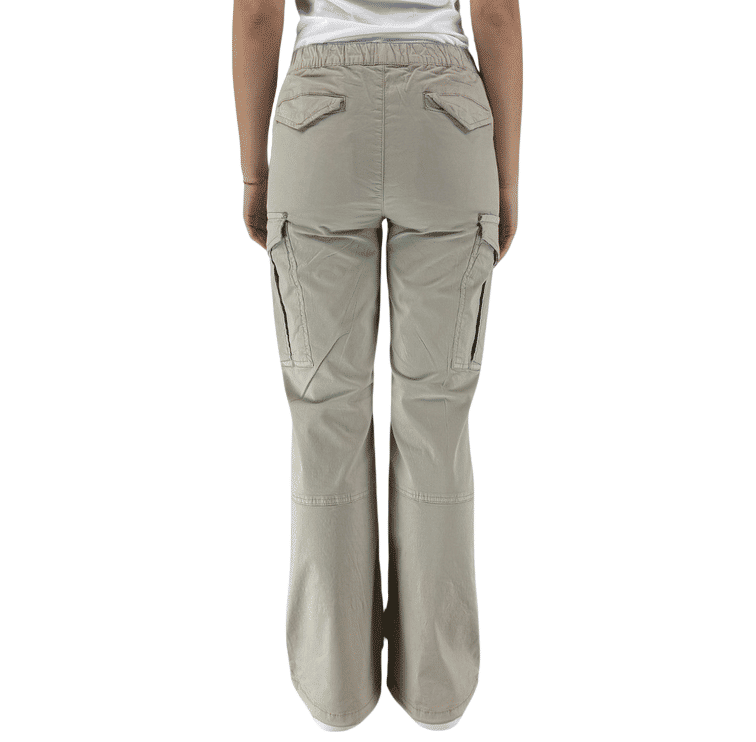
Remove the background from the images available in the database Sentric. Get discounted versions to use in product cards, catalog grids and your content.
The product in the center
Delete the background to focus attention on the subject of the photo.
A more uniform style
Start from the discount and choose a consistent presentation for your catalog.
Inside your flow
Get the processed images together with the product data, with reference to the original photos.
The presentation you prefer
Transparent, white or the color of your brand
The discount separates the subject from the background. You can maintain transparency or configure a transformation to apply a background and adapt the image format to your catalog.

Give a context to your product
You want to go beyond a solid-colored background? With the Images package you can present the product in a context of use.
Discover the images setThis preview shows the same discounted image on different funds. The final presentation depends on the transformation configured for your catalog.
From single photo to gallery
A gallery, the same treatment
Sentric processes the available product images and connects each result to its starting photo. You can use discounted versions while keeping the originals at your disposal.


The result depends on the starting photo and the ability to recognize the subject.
From activation to catalogue
Discount enters your product flow
Activate background removal for your catalog. Sentric processes the available images when requesting the product data and returns the results along with the card.
Define presentation
Choose whether to receive a discount or apply a common transformation to elaborate images.
Request products
Background removal is applied to available images of the requested products.
Use images in the catalog
Each image returned retains the link to the original, to insert it into your publication stream.