
Lifestyle images for your products
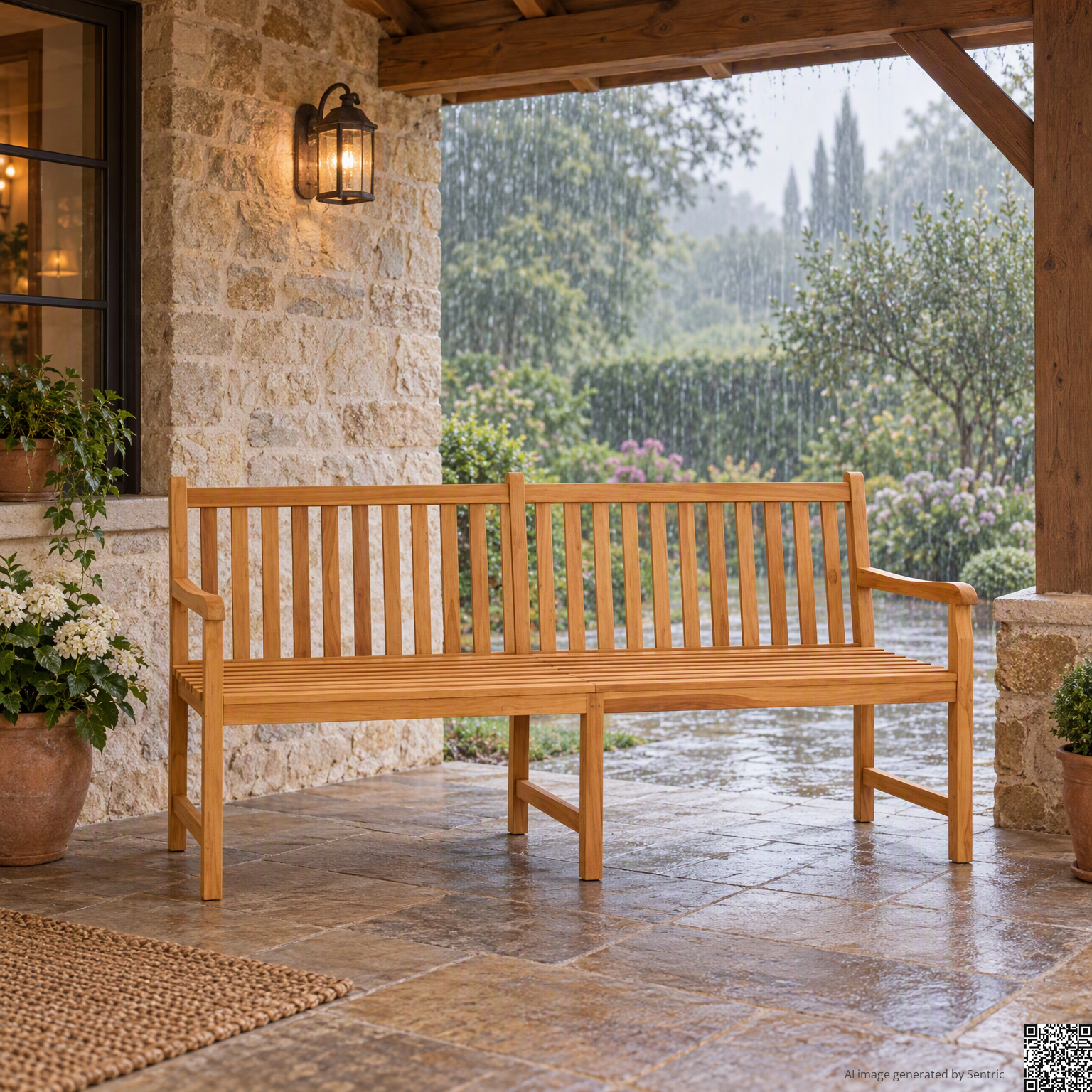
Show your products in the context where people can imagine using them. Sentric creates images set from the product photos already available in the catalog.
Parts from product photos
Sentric selects a photo that can be used among those available, preferring a product that is clearly visible on a neutral background.
A suitable context
The scene takes into account the type of product and preferences defined for your catalog.
From one to three alternatives
Request more proposals to choose how to present the product in the configured scene.
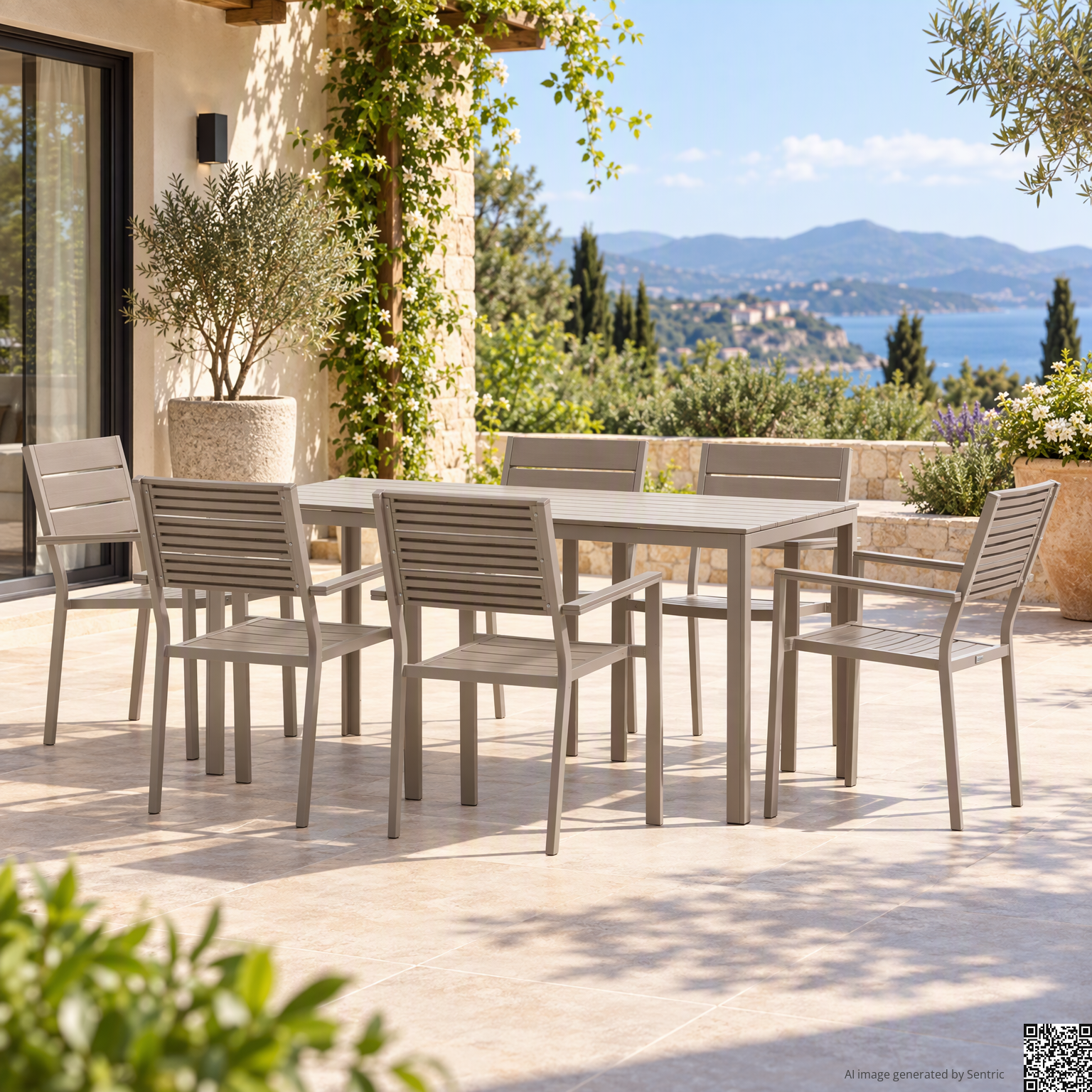
 Lifestyle image · AIGeneration CertificateFind out more
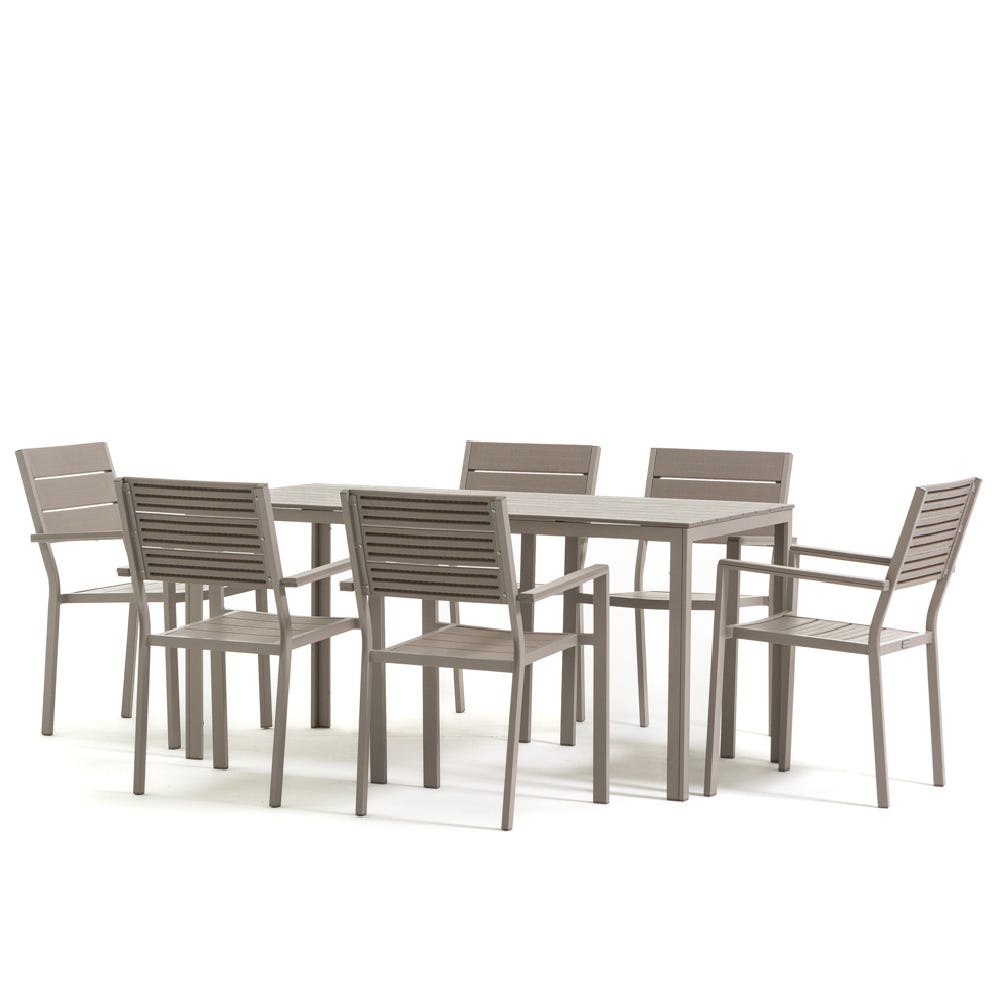
The transformation, in practice
From product photo to lifestyle scene
A photo shows how the product is made. A lifestyle image helps to imagine it in a real situation, with an environment, light and composition created by AI.
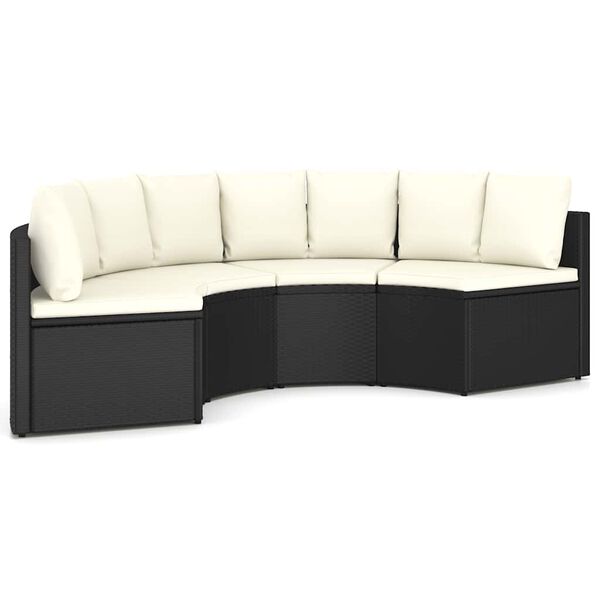
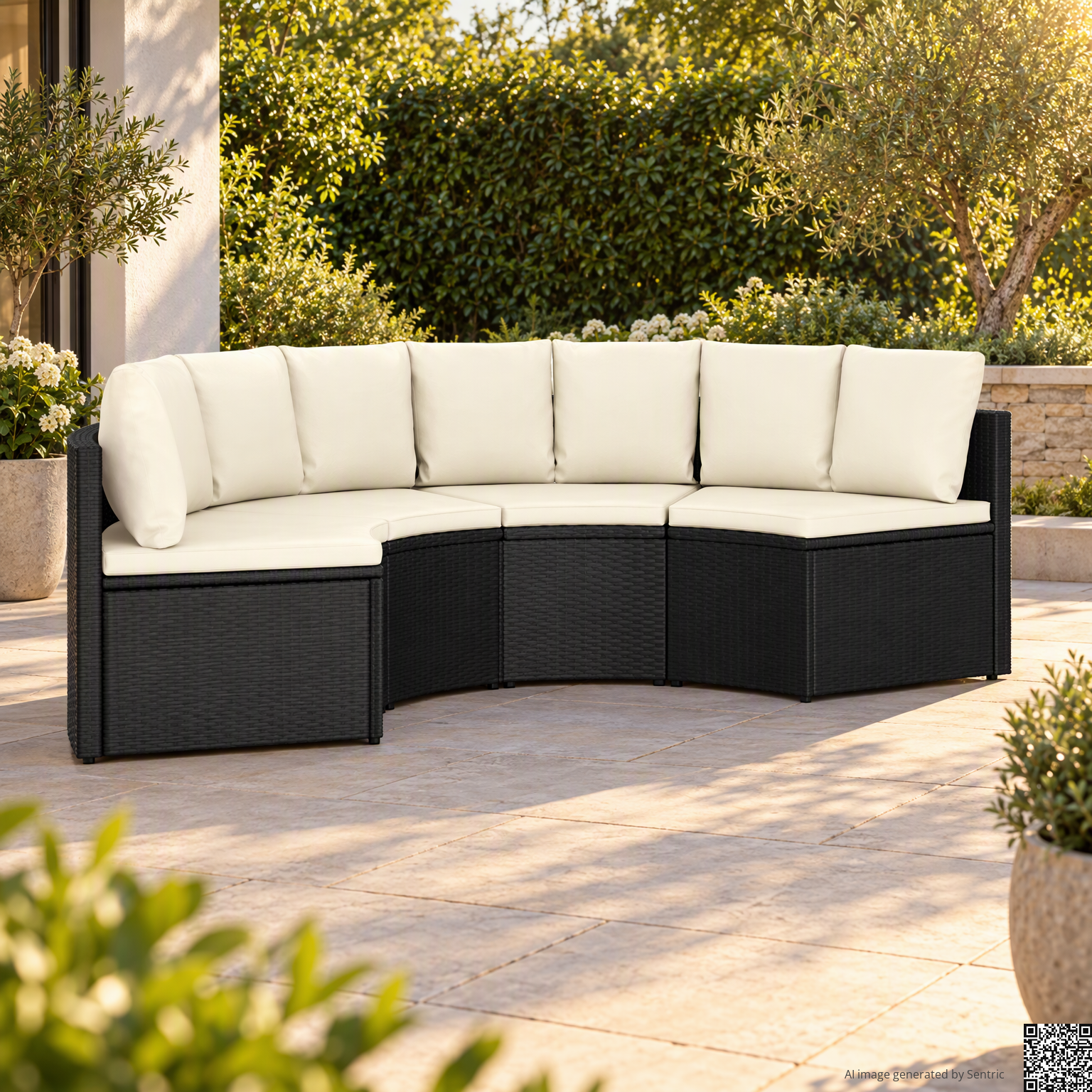
The right photo, the right context
A setting that suits your product
Sentric chooses a usable photo and a scenario consistent with the category. If there is no photo suitable on a neutral background, it can also start from an already set image and create a new scene.
- 01
A reference photo
The product must be recognizable, whole and recovered from a usable point of view.
- 02
A coherent scene
A terrace for garden furniture, a living room for a furnishing element, a kitchen for an object of everyday use.
- 03
Light and composition
The AI generates the entire image using the selected photo as a reference, adapting environment, lighting and shadows.
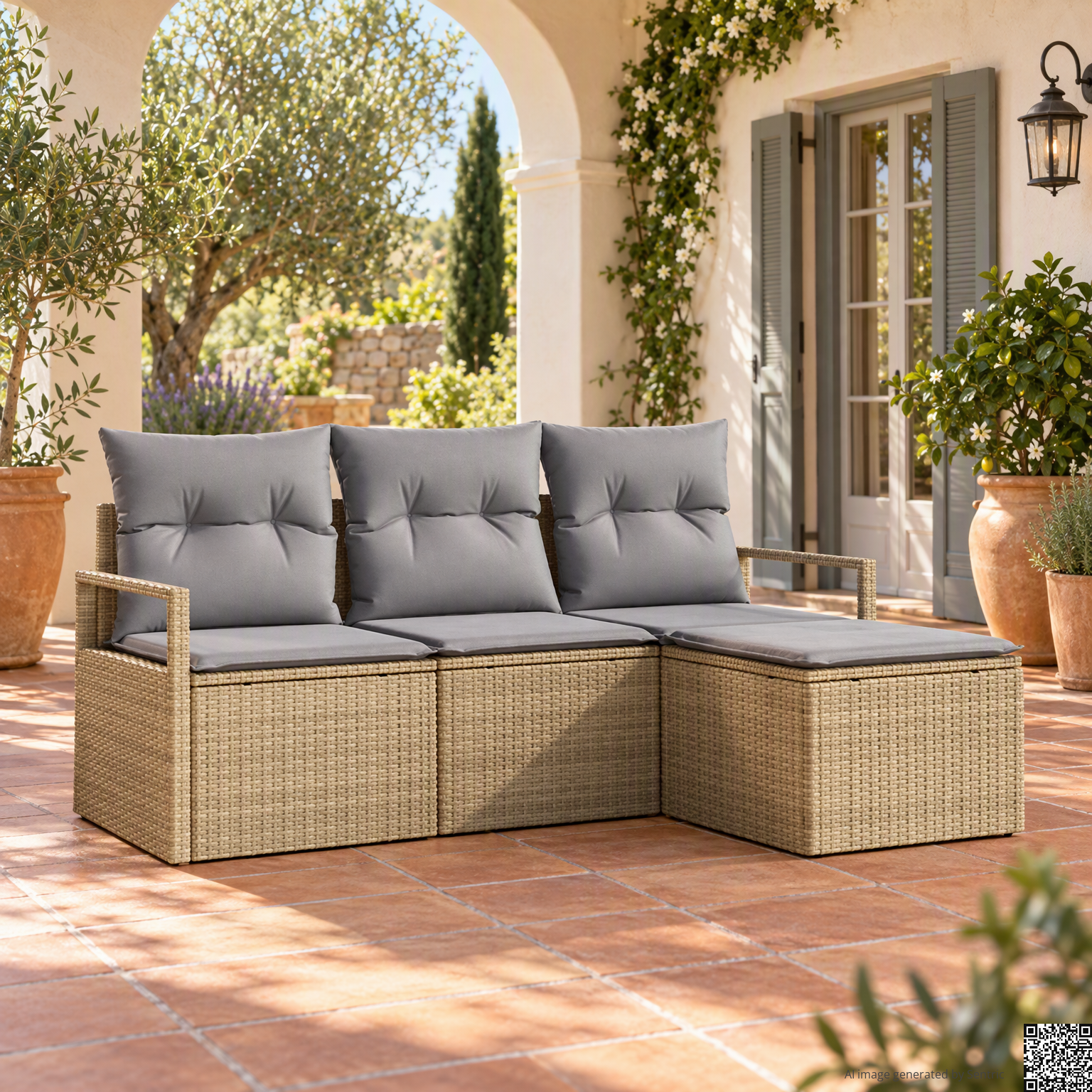
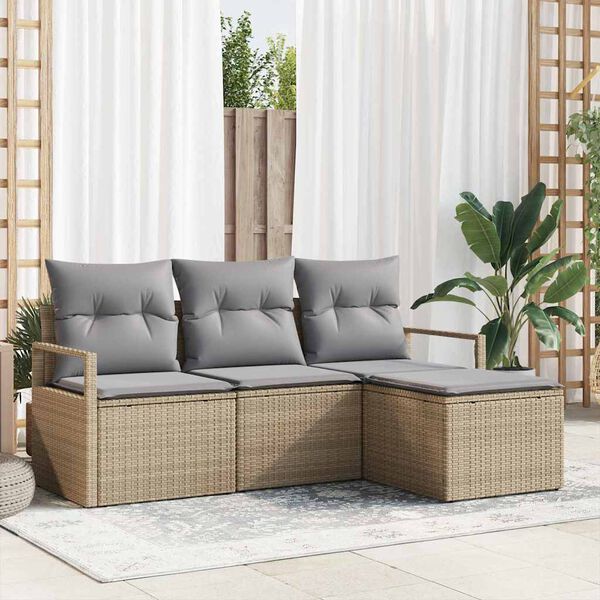
From preferences to the catalogue
Choose how to present your catalog
Let Sentric choose the scenario or define a preset scene or a custom description. You can set general and specific preferences by category, choose whether to include people and request from one to three proposals per product.
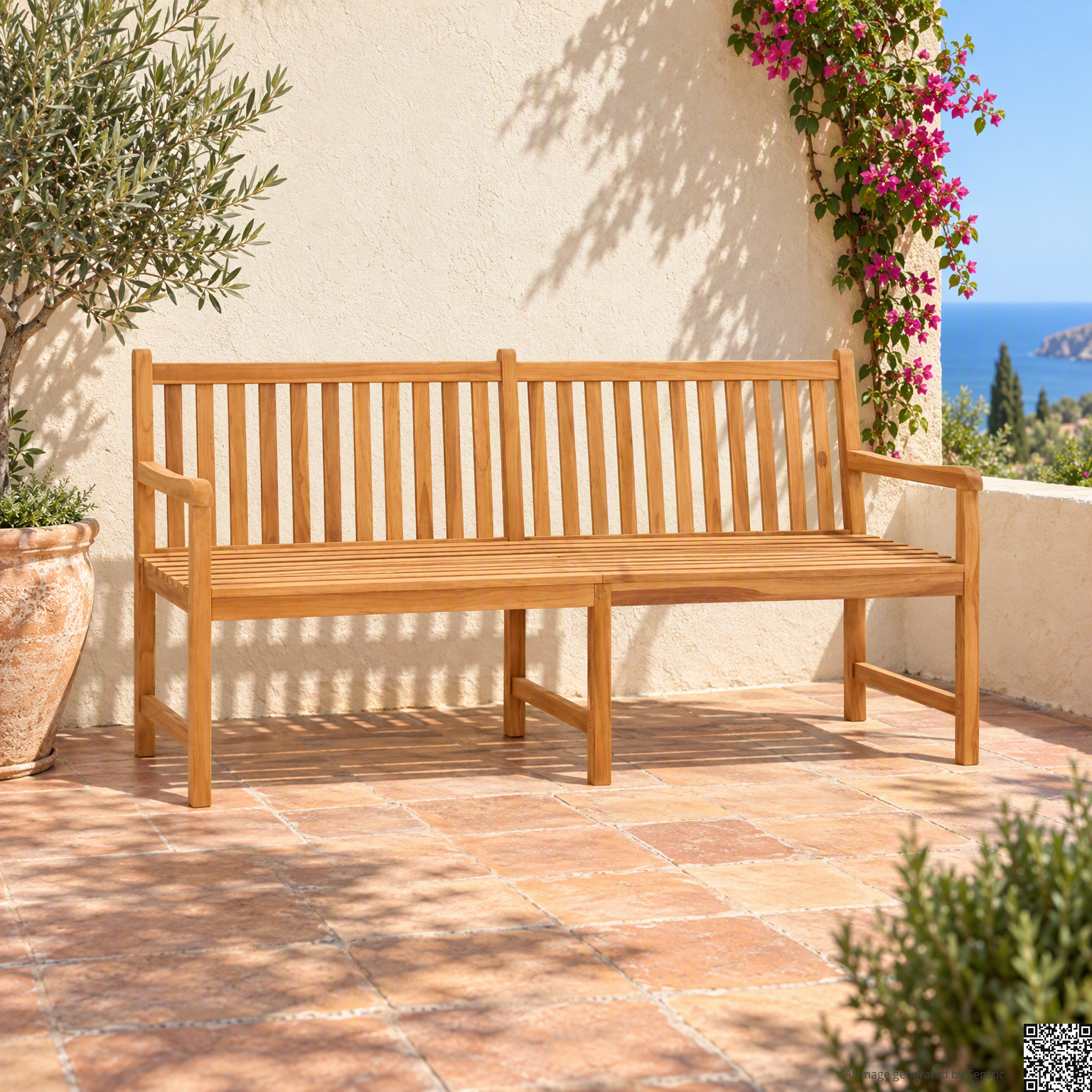 Generation CertificateFind out more
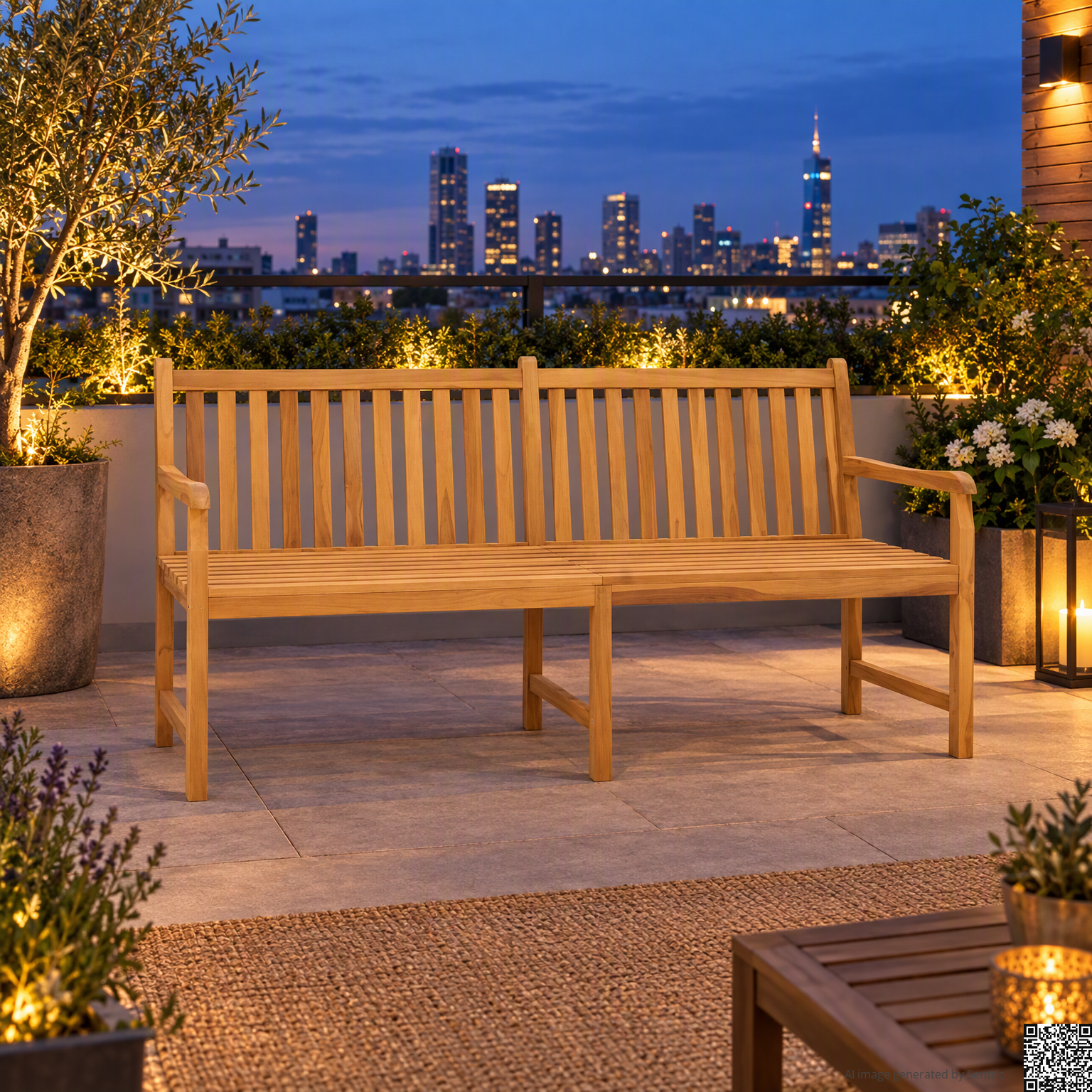 Generation CertificateFind out more
 Generation CertificateFind out more
The alternatives show different compositions for the same product. Scene preference applies to all proposals of the request.
Choose your preferences for your catalog and discover the service modes.
Discover prices and modesTransparency and control
The origin of the image, always available
Each lifestyle image includes a statement that makes the use of AI visible and a small QR at the bottom right. Scanning it, or opening the link to the certificate, you can consult the reference photo and images generated by Sentric.
Compare with the original
The certificate supports the reference photo to the results generated, with dates and identification of the generation. You can check the look of the product: AI can change some details.
Report a mistake
If you notice inaccurate details, a different product or misuse of the image, you can open an email alert with reference to the certificate already entered.
Make visible the use of AI
The wording and the QR remain in the image delivered. Even when you use it in a product card or in a promotional content, who sees it can recognize its origin and consult the reference.
From QR to comparison with the original
Open the image certificate shown at the opening: find the reference photo, the result generated, the date and the identification of the generation.